New Mandala String Art
Create and Sell Mandala String Art with confidence.
Scale your sales with the add-on built for speed. Create premium, consistent mandala string art designs instantly.



Why Start Selling Mandala String Art?
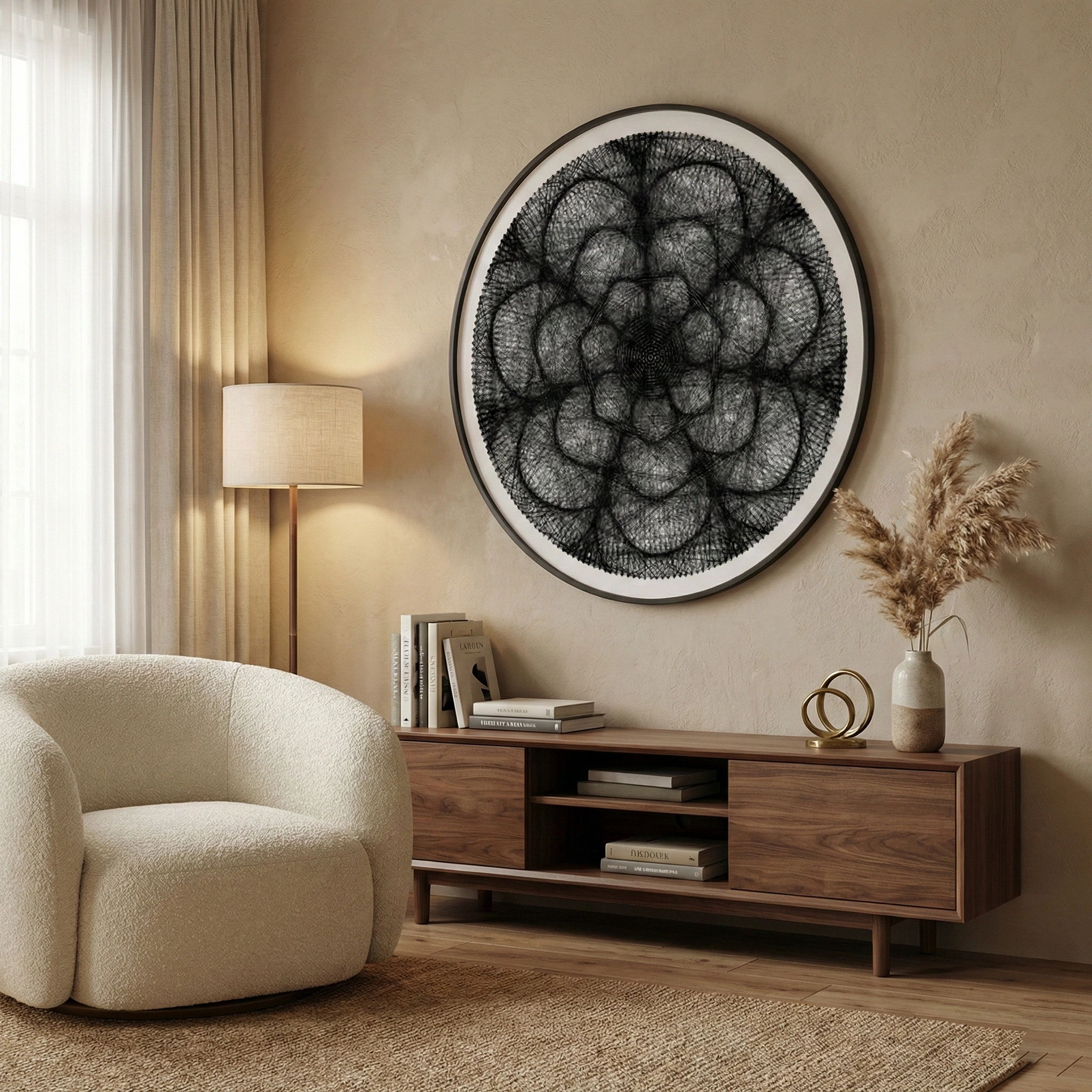
Selling mandala string art can work well because it looks premium, photographs nicely, and is easy to offer in many styles without changing your whole process.
High Perceived Value
The intricate, geometric nature of mandalas implies a high level of skill and time investment. This often allows for a higher price point.
Great for sets and bundles
Matching pieces are easy to sell as a pair or a set, which can increase the value of each purchase.
Low Material Costs
The primary materials are relatively inexpensive. This creates a healthy profit margin if you can manage your production time efficiently.
Easier to price different sizes
Mandala designs scale nicely, so you can offer small/medium/large versions and price them clearly
Repeatable workflow
When you find a design style that sells well, it’s easier to recreate consistently, saving time and reducing wasted materials.
More seasonal and gift-friendly
Mandalas work well for many themes (colors, moods, holidays), so it’s easier to make items people buy as gifts.
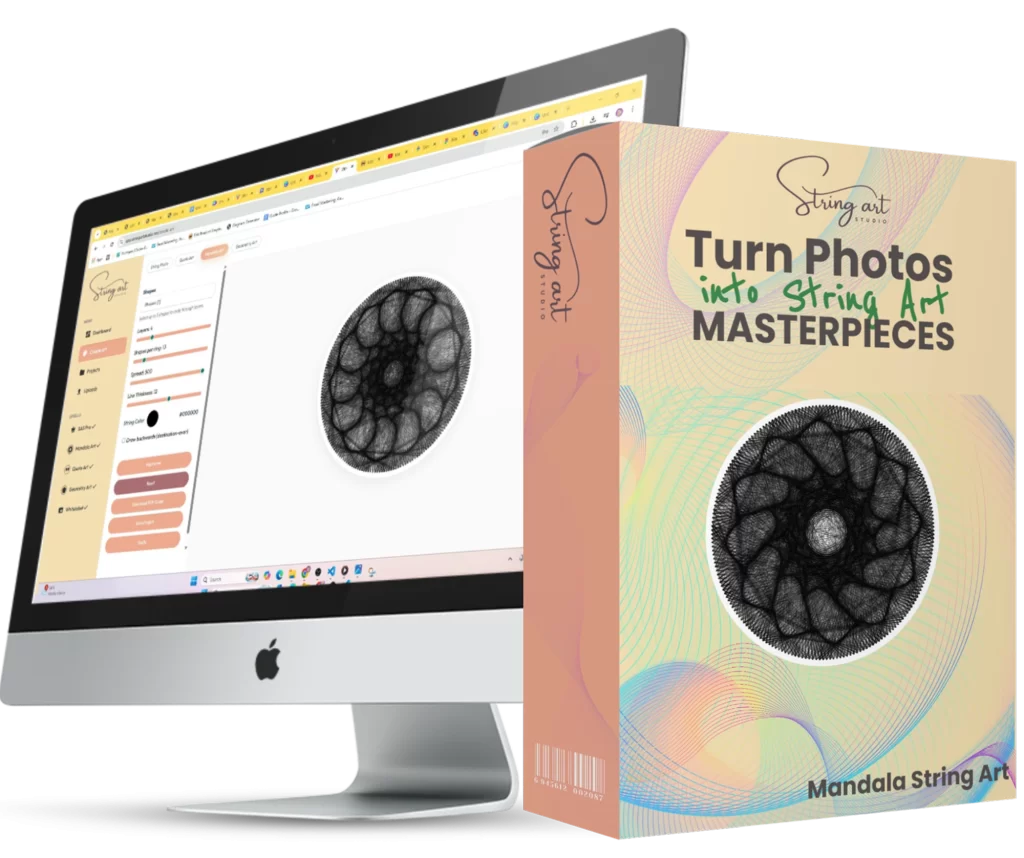
Mandala String Art
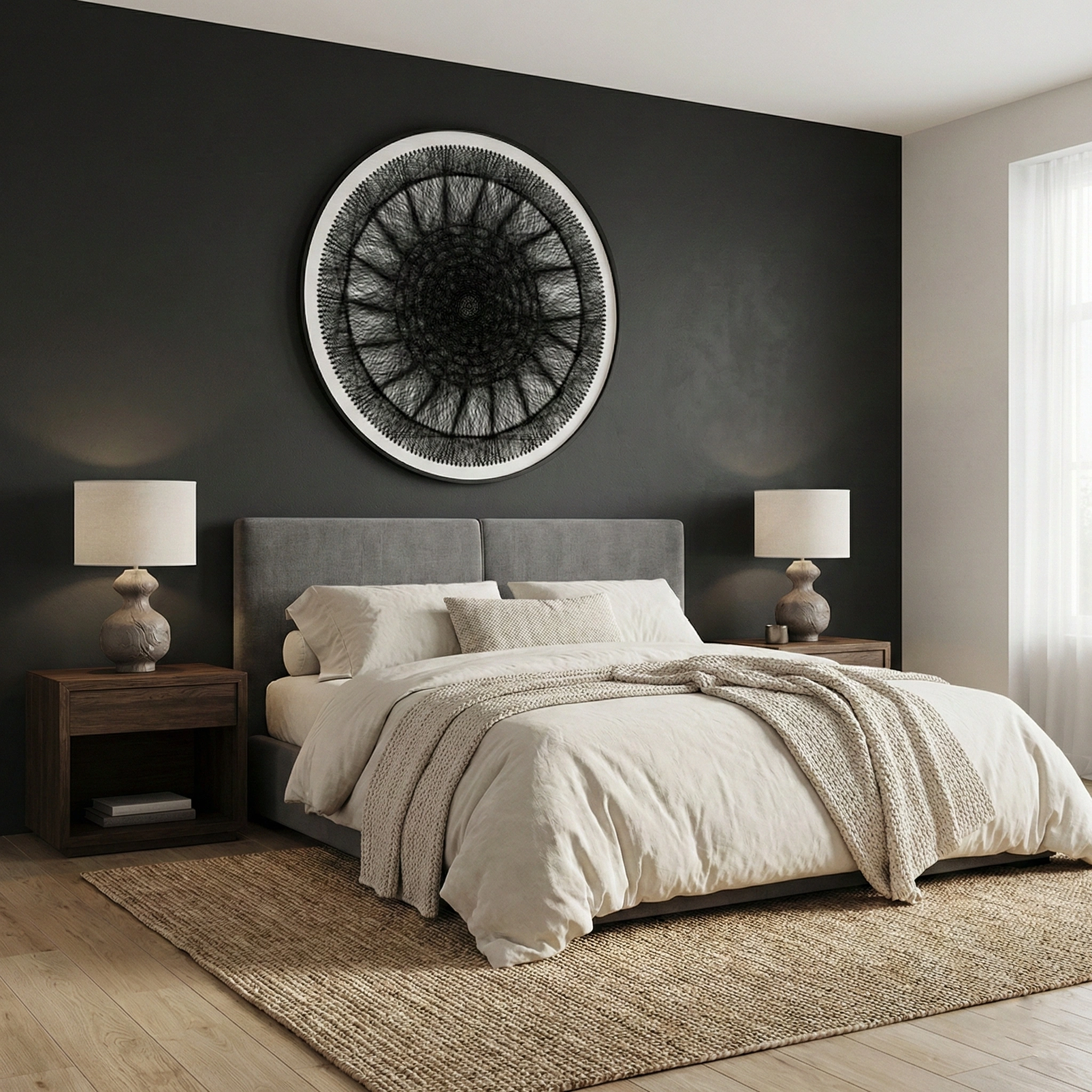
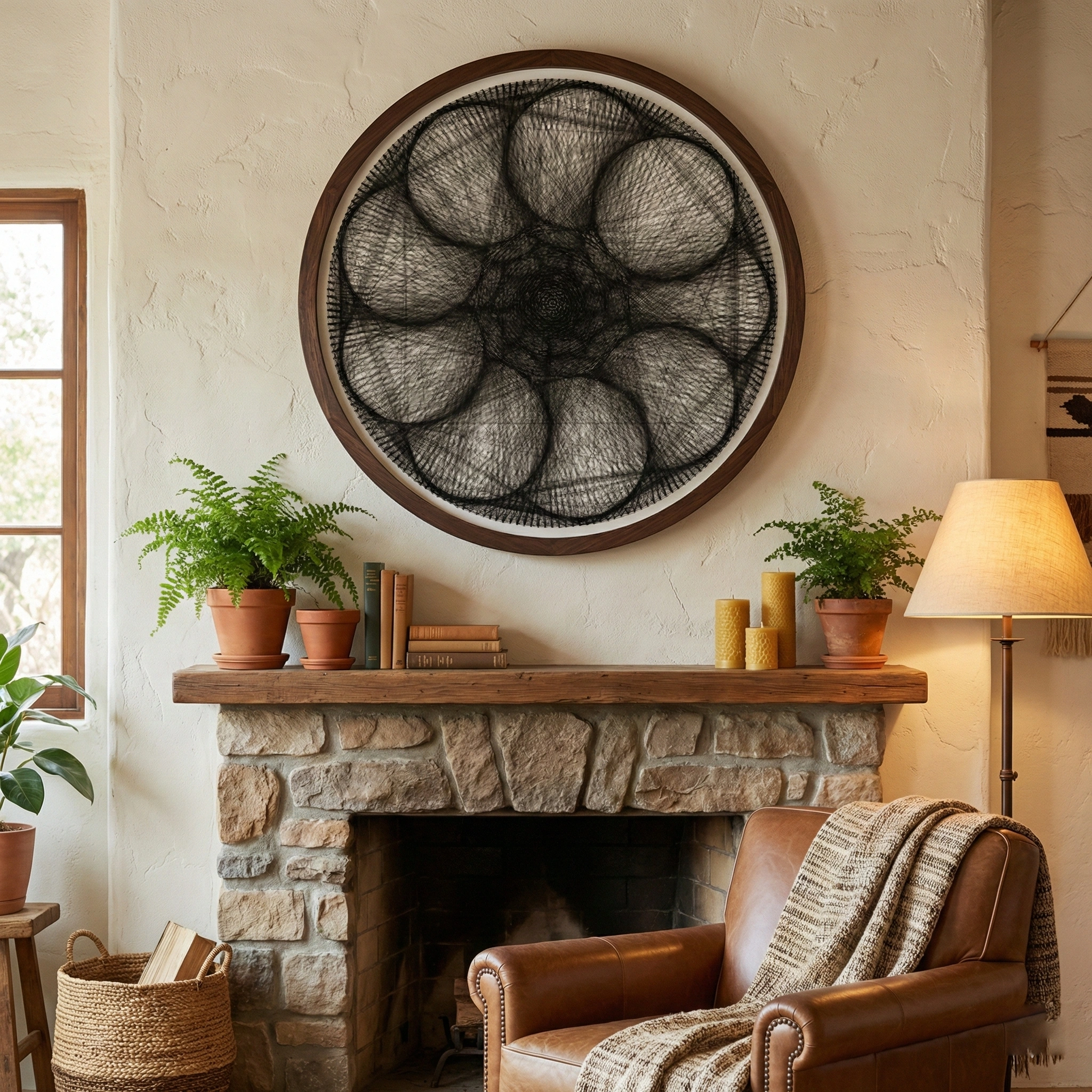
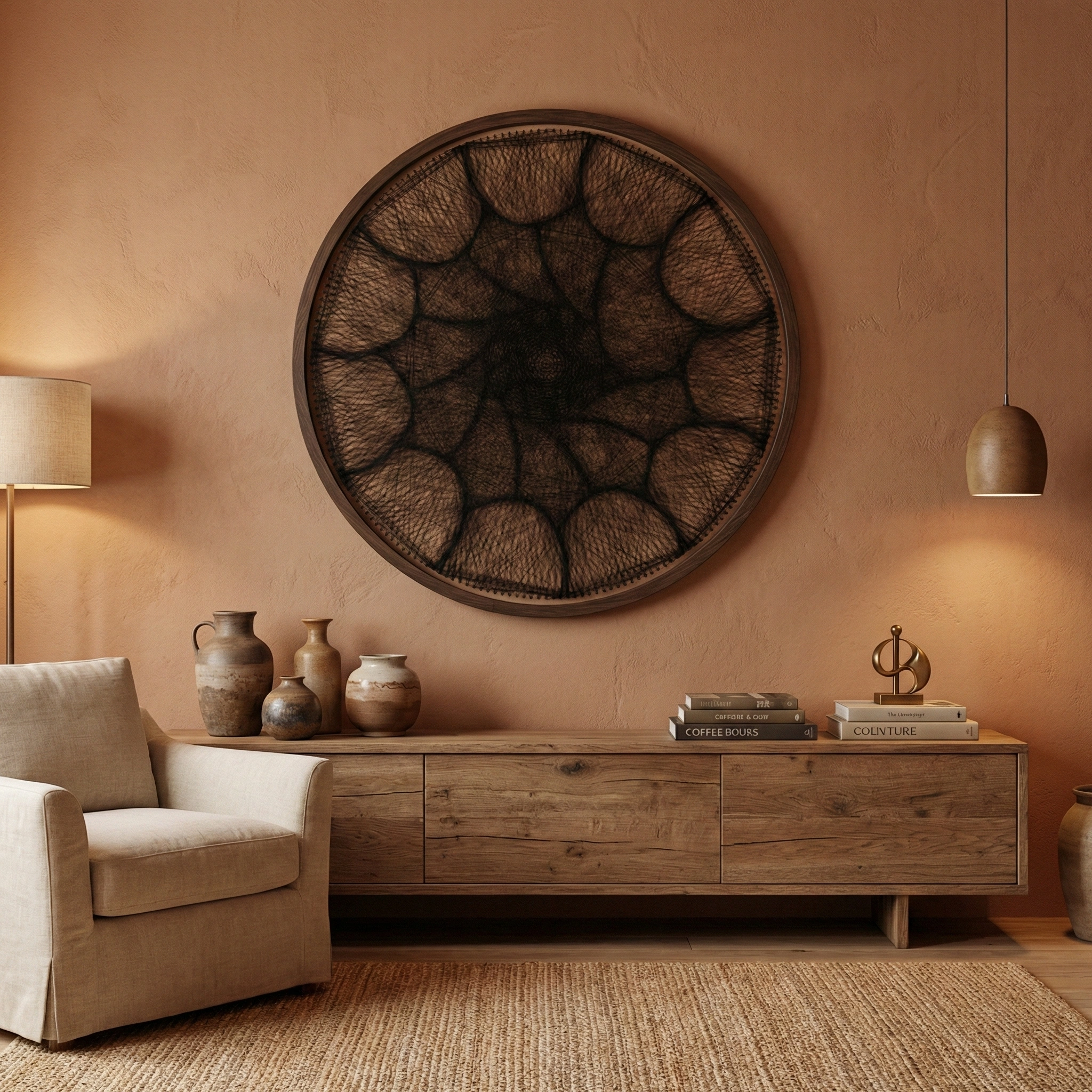
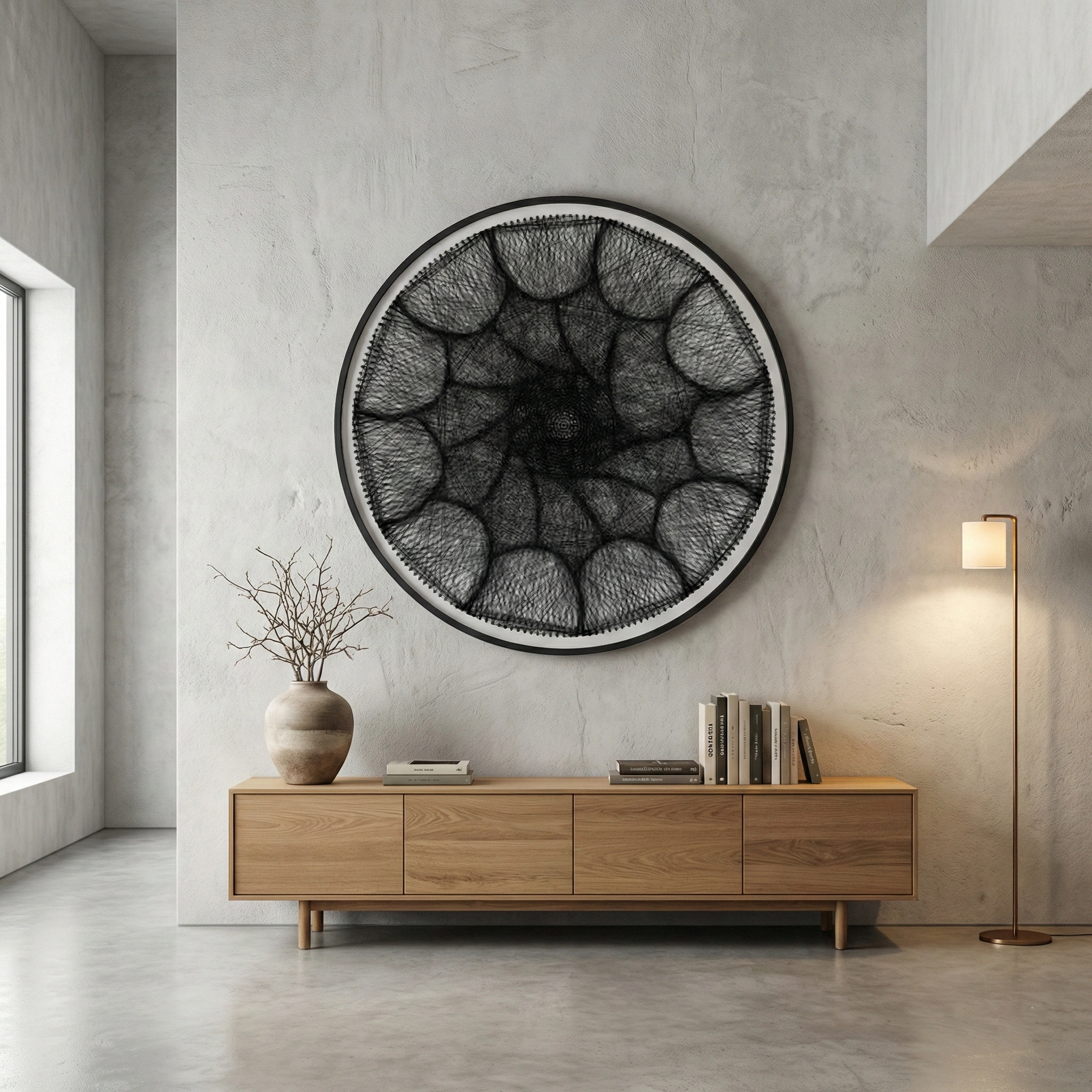
-
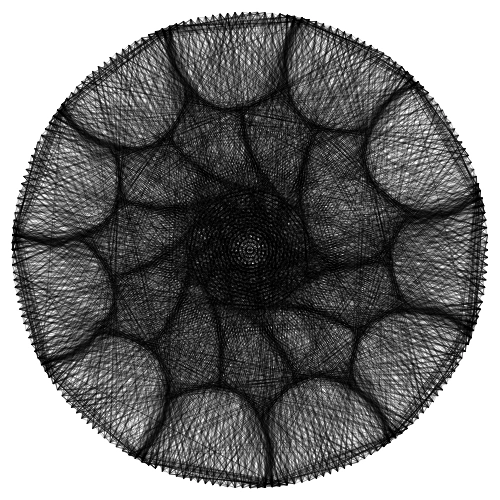
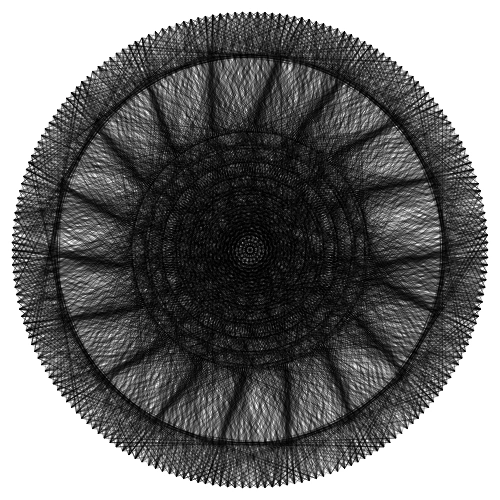
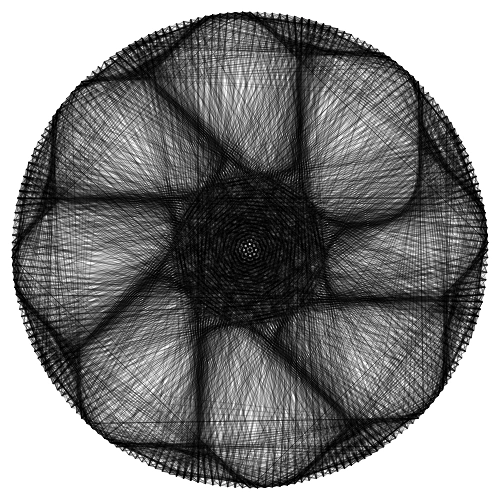
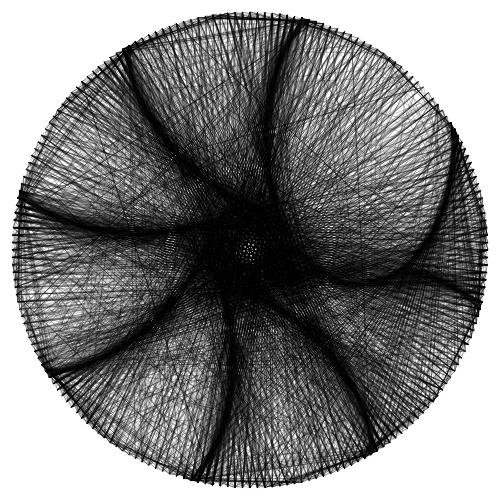
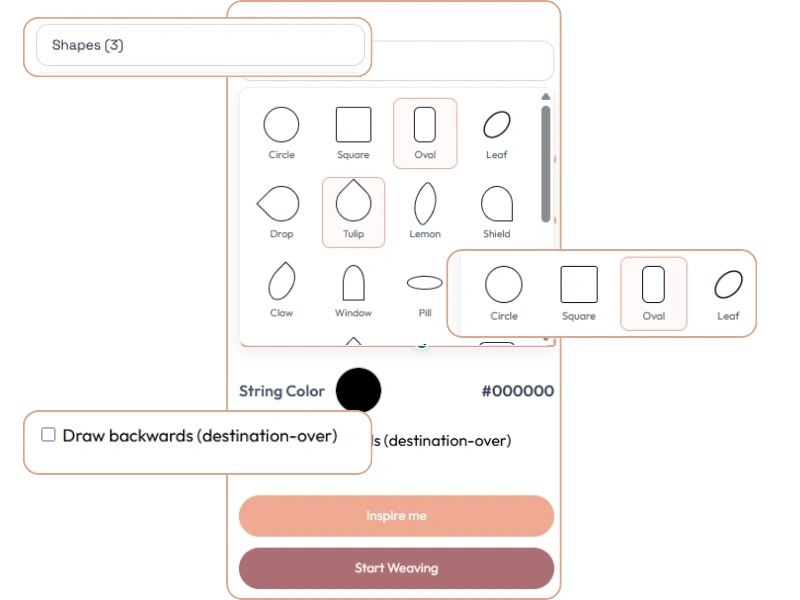
Up to 3 shapes per designChoose 1–3 shapes. When you pick more than one, shapes rotate across layers to keep the look clean and consistent.
-
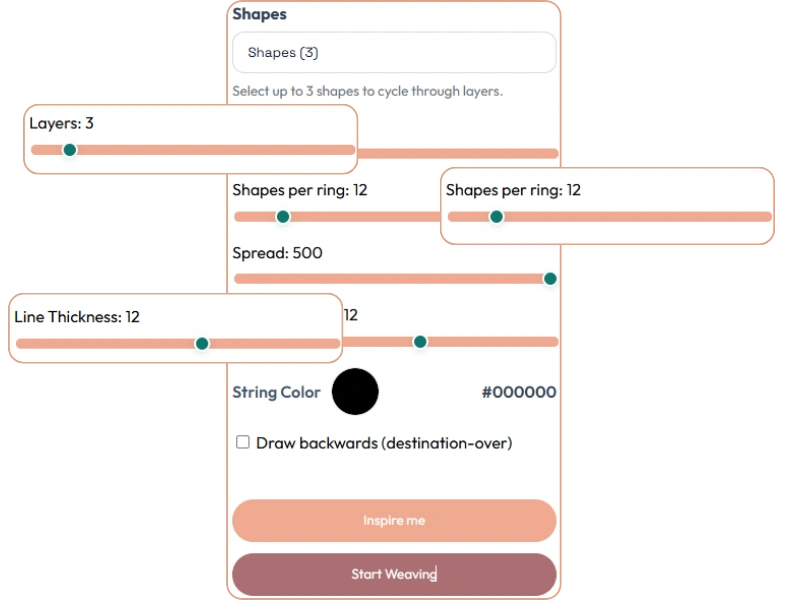
Layers (2–12)Stack rings to add depth—fast for simple designs and powerful for detailed “hero” pieces.
-
Shapes per ring (3–72)Control how detailed each ring feels—from bold and simple to fine and intricate.
-
Spread control (150–500)Adjust how wide the design reaches and how much negative space you keep.
-
Line thickness (1–20)Go thin for delicate linework or thick for bold, high-contrast pieces.
-
String color pickerPreview and standardize colors across a collection (includes live hex value).
-
Draw backwards (destination-over)Changes how lines stack for smoother overlaps and different visual depth.
-
“Inspire me” randomizerQuickly explore new variations while staying balanced and clean.
-
Start Weaving → Reset loopGenerate a weave plan, then reset to tweak and try again until it’s perfect.
-
Guide + PDF + Save (after weaving)After weaving completes, open Guide mode, download a PDF guide, or save the project.
Ready to Create Your Masterpiece?
Join thousands of makers who are already turning their photos into stunning string art.
1) Choose shapes (up to 3)
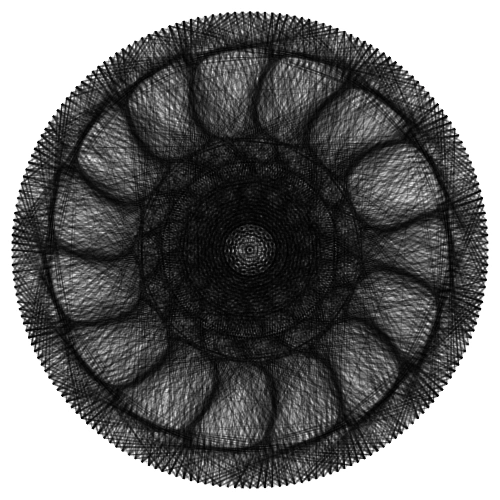
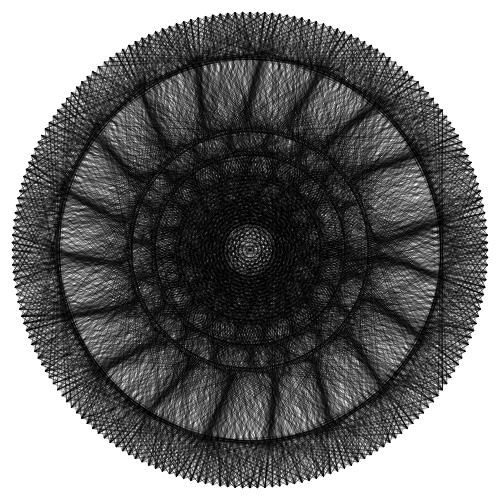
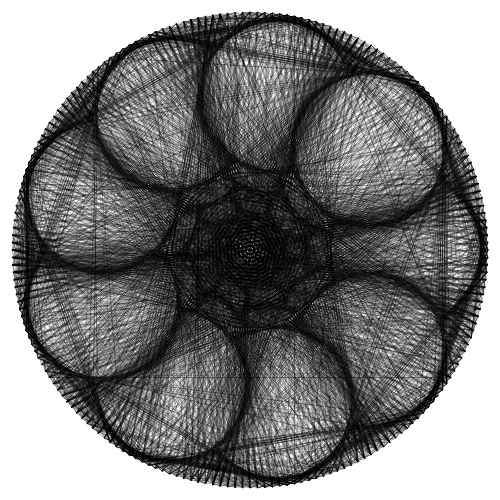
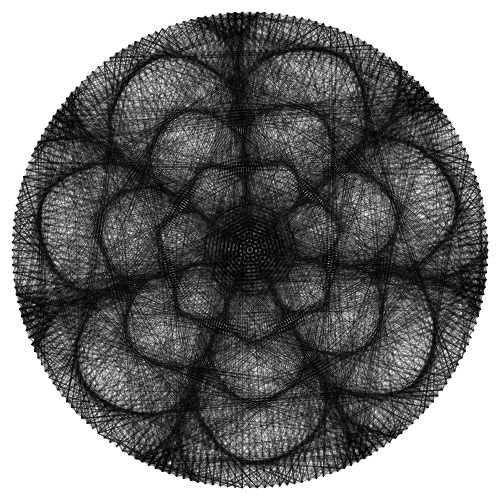
Start with one shape for a clean, iconic look or combine up to three to create variation that still feels like a set. Shapes rotate across layers (not randomly inside each ring), so your results stay consistent.
2) Dial in symmetry Plus Spacing
Use Layers, Shapes-per-ring, and Spread to control how detailed the design feels. A few deliberate tweaks usually work better than hitting random over and over. Want something bolder (and more photo-friendly)? Increase thickness or lower the shapes-per-ring to add more negative space.
3) Start Weaving
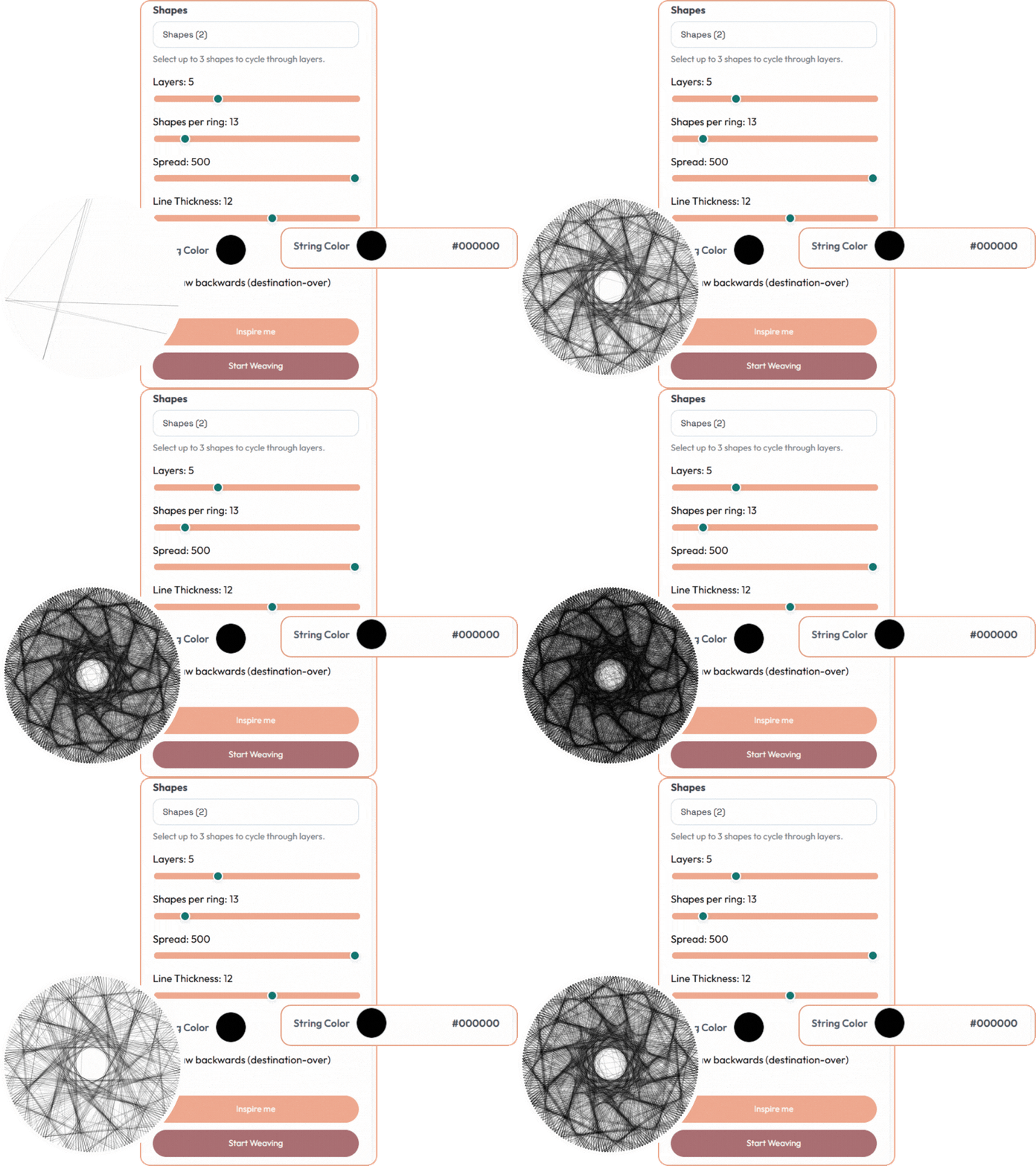
When your mandala looks right, click Start Weaving to generate the weave plan. After it finishes, switch to Guide view, download a PDF guide, or save the project—so it’s easier to build the same piece again later.
Ready to Create Your Masterpiece?
Join thousands of makers who are already turning their photos into stunning string art.
Ready to create mandala string art faster?
Unlock Mandala Art to generate clean radial designs in minutes—then save, guide, or export a PDF so you can build confidently and keep your look consistent across a collection.
Total Value: $969
One-Time Payment
Frequently Asked Questions
Start Creating Today
Stop guessing and start weaving. Turn your memories into tangible, beautiful art with String Art Studio.